
Every business has its own story and the right platform can shape how that story is shared with the world. Whether you are launching something new or refreshing what you already have, the tools you choose matter. There are solutions that promise creative power, simple controls, and smart ways to grow your brand or sell your products. Some lean into collaboration and custom design while others focus on making it easy for anyone to launch fast. The options keep expanding and each comes with its own unique approach. See what sets these choices apart and discover which one could be the best fit for you.
Table of Contents
Lind Creative
At a Glance
Lind Creative is a full-service digital agency helping businesses build, brand, and grow through strategy-driven design and marketing. We create high-converting websites, powerful brand identities, and deploy our signature Growth Engine — an all-in-one marketing system that automates lead capture, funnels, email, and ads to drive measurable results.
Whether you’re launching a new brand, refreshing your online presence, or ready to scale, Lind Creative blends creativity, technology, and strategy to deliver real ROI. Our collaborative, transparent process ensures every project not only looks great but performs — helping your business attract, convert, and grow.
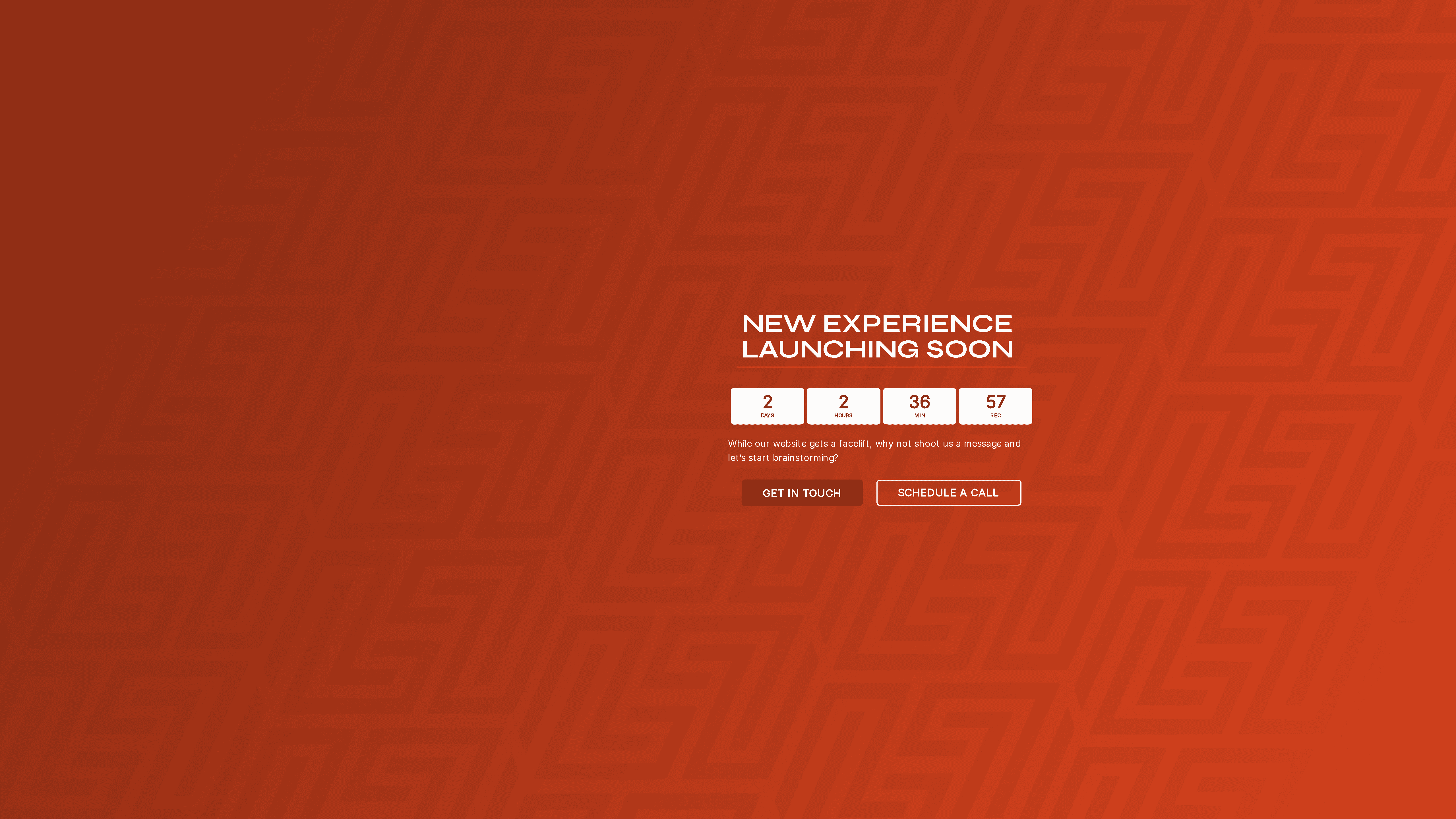
Lind Creative is currently refreshing its public site and invites direct contact for collaboration. Bottom line: if you want strategic creative work paired with measurable marketing systems, Lind Creative is built for growth-minded teams.
Core Features
Lind Creative focuses on custom creative solutions delivered through a collaborative process: strategic branding, high-converting website design, and integrated marketing. The agency emphasizes client collaboration and brainstorming sessions to align creative direction with business goals. A headline capability is the Growth Engine — an all-in-one marketing system that automates lead capture, funnels, email, and ads to produce measurable results. The site is being updated to present an expanded experience, and while detailed portfolios are temporarily limited, Lind Creative’s service-focused approach centers on bespoke creative work tied to measurable outcomes.
Pros
- Personalized communication that drives results: Lind Creative emphasizes direct client engagement, ensuring briefs and strategy sessions are tailored to your objectives.
- Active invitation to collaborate: The agency’s open call to brainstorm means projects begin with shared ownership and clear strategy.
- Forward-looking approach: Highlighting an upcoming experience and site relaunch signals ongoing investment in service quality and innovation.
- Accessible contact options: Easy-to-reach contact channels lower the friction for initiating projects and fast follow-ups.
- Creative, experience-focused work: A clear emphasis on creative experiences positions Lind Creative to craft memorable brand moments, not just templates.
Who It’s For
Lind Creative is designed for businesses and leaders who want more than a vendor — they want a strategic creative partner. Ideal users include startups building brand foundations, established local businesses ready to scale, eCommerce brands refining conversion, luxury hospitality seeking elevated experiences, and professional services wanting measurable marketing. If you value collaborative workshops, strategic design, and automated growth systems, Lind Creative is your match.
Unique Value Proposition
Lind Creative’s strength is the marriage of strategy-driven creative and a results-focused Growth Engine. Unlike agencies that separate branding from performance, Lind Creative delivers high-converting websites and powerful identities while deploying automation that captures leads and sustains campaigns. That combination shortens the path from creative concept to measurable ROI. This approach intentionally prioritizes bespoke solutions and client collaboration over one-size-fits-all templates — a design choice that ensures each tactic serves clear business outcomes.
Real World Use Case
A startup engages Lind Creative to develop brand identity, build a conversion-focused website, and launch a lead-gen funnel. Through collaborative workshops and the Growth Engine, the startup captures qualified leads, nurtures them via automated email sequences, and scales initial paid ads — turning early interest into measurable revenue.
Pricing
Quote-based — pricing details are not provided on the site; projects are scoped to client goals and delivered through tailored proposals.
Website: https://lindcreative.com
Wix
At a Glance
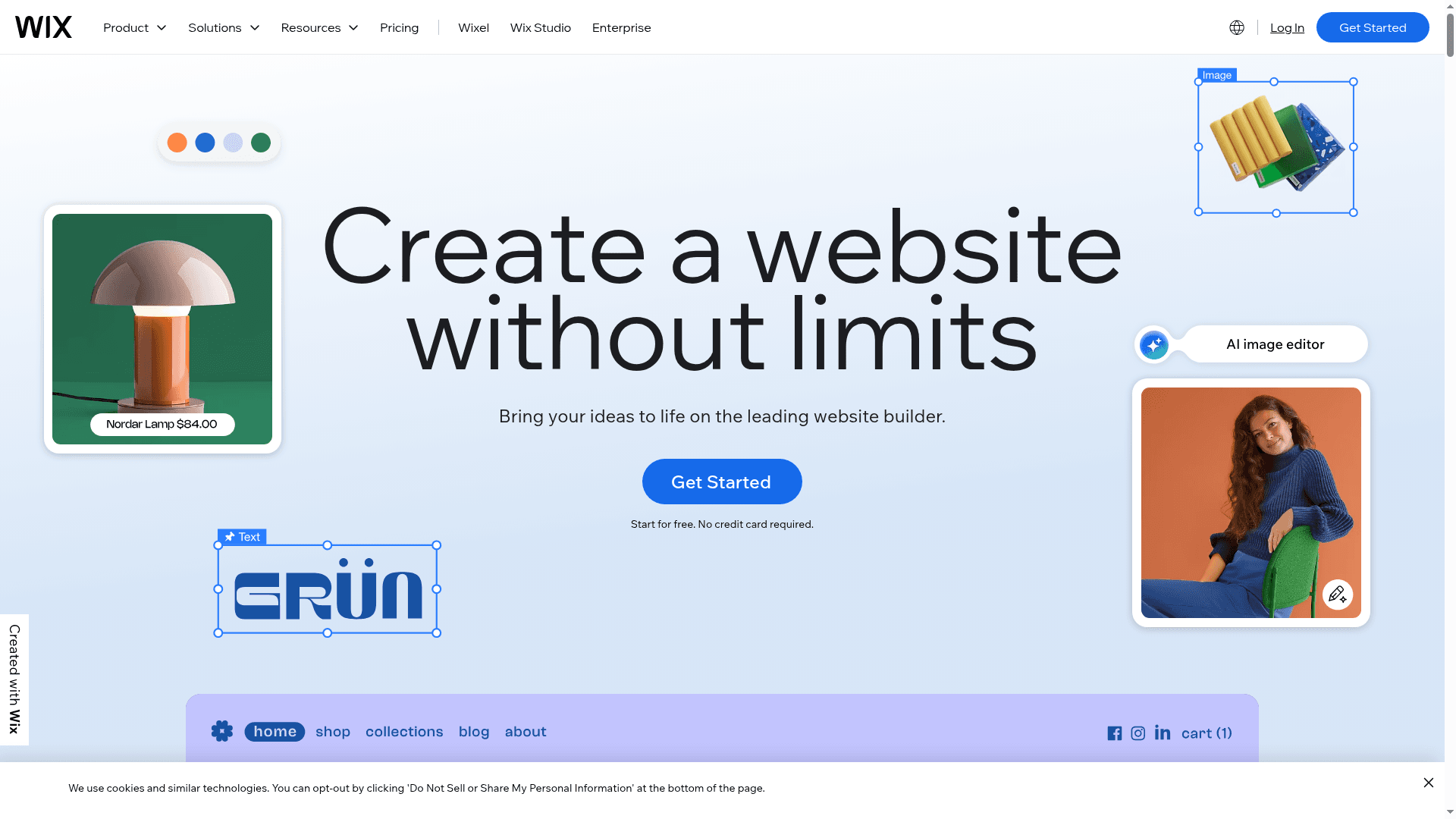
Wix is a full-featured website builder that helps small businesses and creators launch polished sites fast, using over 900 templates or an AI website builder. It combines drag-and-drop design, built-in hosting, domain registration, and marketing tools into a single platform, so you can manage site, store, and promotions without stitching services together. That all-in-one convenience makes Wix a practical choice for businesses that value speed and simplicity. Expect trade-offs if you need deep developer-level customization.
Core Features
Wix’s core capabilities center on visual site creation and integrated commerce and marketing. Key features include more than 900 customizable templates, an AI website builder to speed setup, a drag-and-drop editor with advanced design controls, and built-in SEO and marketing tools. The platform also offers ecommerce solutions with payment processing, domain registration (including a free one-year domain on premium plans), reliable hosting with security and 99.99% uptime, mobile-optimized sites, social media and AI-driven email marketing, appointment and booking functions, and analytics to track growth.
Pros
- User-friendly interface with drag-and-drop editing: The visual editor makes layout changes intuitive, so non-technical users can refine pages without code.
- Wide variety of templates and design flexibility: With over 900 templates, you can pick a tailored starting point for hospitality, retail, portfolios, or professional services.
- All-in-one platform including hosting, domain, and marketing tools: Hosting, domains, ecommerce, and marketing live in one dashboard, reducing vendor management and setup friction.
- No coding required, suitable for beginners: Small teams and solo founders can build and maintain sites without hiring developers.
- Reliable hosting with strong security and uptime: Built-in hosting and security features minimize infrastructure concerns and downtime risk.
Cons
- Limited customization compared to custom coding or developer-built sites: If your brand needs bespoke interactions or very specific integrations, Wix can feel restrictive.
- Additional features and higher plans can be costly: Advanced functionality often requires upgrading to premium tiers, which raises monthly expenses as your needs grow.
- Advanced customization may require technical knowledge: While basic editing is simple, extending or tweaking complex behaviors can demand developer skills.
Who It’s For
Wix is ideal for individuals, small businesses, boutiques, consultants, and creative professionals who need an easy-to-manage website with integrated hosting and marketing tools. If you want to launch quickly, manage sales or bookings, and avoid juggling multiple vendors, Wix fits well. It’s less suited for enterprises or brands that require fully customized backend logic.
Unique Value Proposition
Wix’s unique value lies in packaging robust design choices, AI-assisted site creation, and commerce/marketing tools in one platform. That removes friction for businesses that prioritize speed, visual polish, and operational simplicity over custom engineering.
Real World Use Case
A small boutique used Wix to launch an online store with branded templates, built-in payment processing, appointment booking for private fittings, and AI email campaigns to promote new collections—going from concept to live store in weeks.
Pricing
Free tier available; premium plans starting at $17.77/month depending on features and storage.
Website: https://wix.com
Squarespace
At a Glance
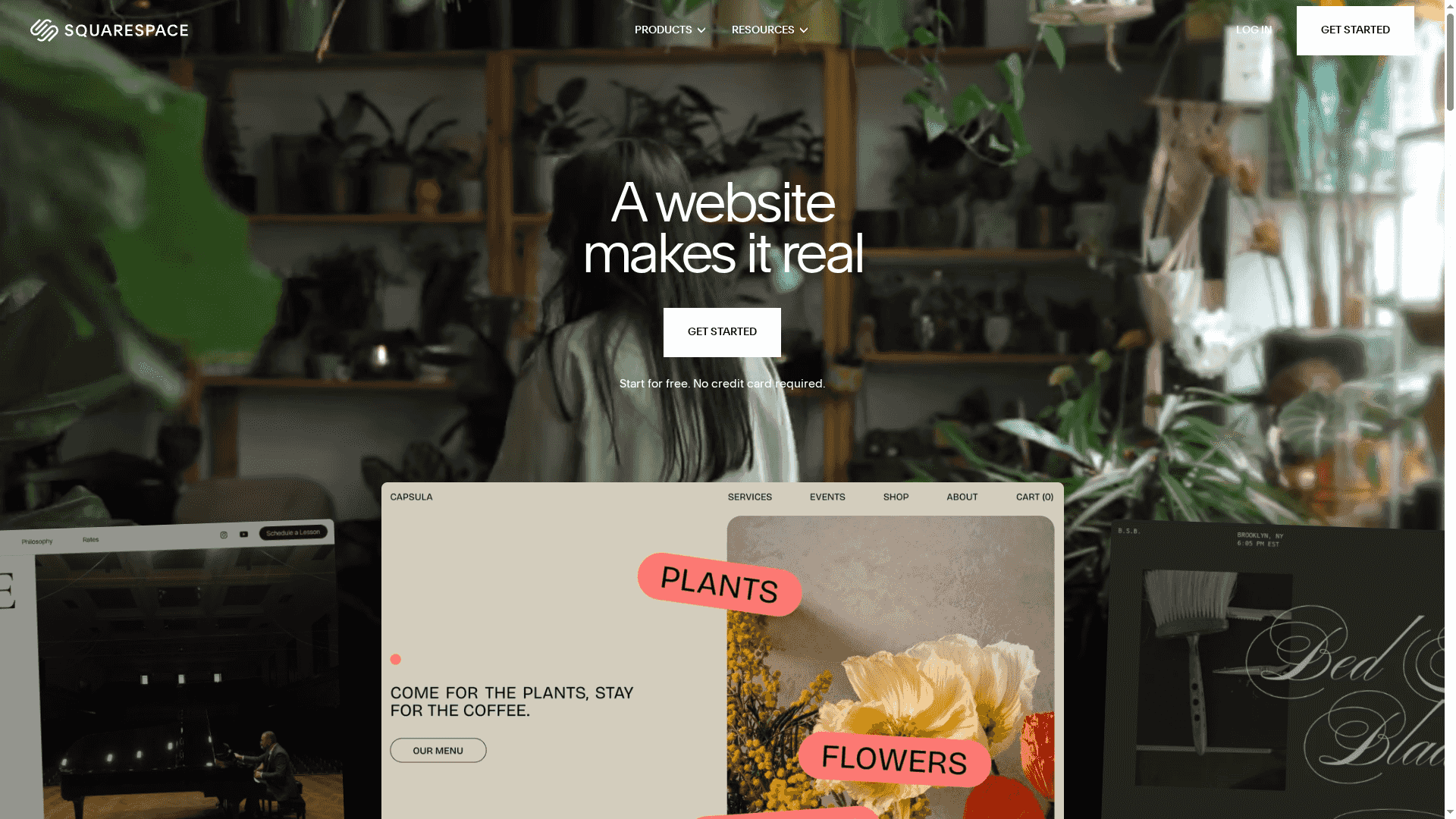
Squarespace is an all-in-one website builder that helps entrepreneurs and small businesses launch professional sites without coding. It pairs polished, mobile-ready templates with AI-driven tools and built-in hosting, security, and support to simplify site creation and ongoing management. If you prioritize design quality, integrated marketing, and ecommerce in a single package, Squarespace delivers a fast path from concept to live site. It’s not the most flexible option for heavily customized builds, but it accelerates professional results for most users.
Core Features
Squarespace centers on designer templates and an AI website builder that jumpstarts layout and content, plus “design intelligence” that keeps visuals consistent across pages. It supports portfolios, blogs, and a CMS with marketing tools like email campaigns and SEO features. Commerce capabilities include online stores, invoicing, and appointment scheduling, while business features cover domain registration, business email, and analytics. The platform also bundles hosting, security, and customer support to provide a single vendor experience for ongoing site operations.
Stop. Consider the trade-offs.
Pros
- User-friendly drag-and-drop interface: The editor lowers the barrier to entry so non-technical users can build and update sites quickly.
- All-in-one platform with hosting and security included: You get hosting, SSL, and platform-level security without shopping for separate vendors.
- Wide range of professional templates and AI tools for customization: A rich template library plus AI assistance helps you achieve a polished look in far less time.
- Integrated marketing and ecommerce functionalities: Built-in email campaigns, SEO tools, and commerce features let you promote and sell from the same dashboard.
- Excellent customer support and resources: Documentation and support resources are available to guide setup and troubleshooting.
Cons
- Pricing can be higher compared to some competitors: The cost ramps up when you need advanced ecommerce and marketing features, which may stretch smaller budgets.
- Limited flexibility for highly customized or complex websites: Developers seeking deep code-level control will find constraints compared with open platforms.
- Some features and extensions may require additional fees or subscriptions: Add-ons and third-party integrations can add recurring costs beyond the base plan.
Who It’s For
Squarespace fits entrepreneurs, small business owners, artists, designers, and content creators who want beautiful, polished websites with minimal setup time. If your priority is a cohesive brand presentation, integrated marketing, and straightforward ecommerce without managing hosting, Squarespace is a strong match.
Unique Value Proposition
Squarespace’s unique value is its combination of high-quality design templates, AI-accelerated setup, and end-to-end platform services (hosting, security, and support). That blend removes common technical friction and lets teams focus on branding and growth rather than infrastructure.
Real World Use Case
A small retailer can use Squarespace to build a storefront, upload product photography to stylish templates, manage orders and invoicing, and run email campaigns to existing customers — all from one interface that handles hosting and payments.
Pricing
Starting at $16/month after a free 14-day trial.
Website: https://squarespace.com
Webflow
At a Glance
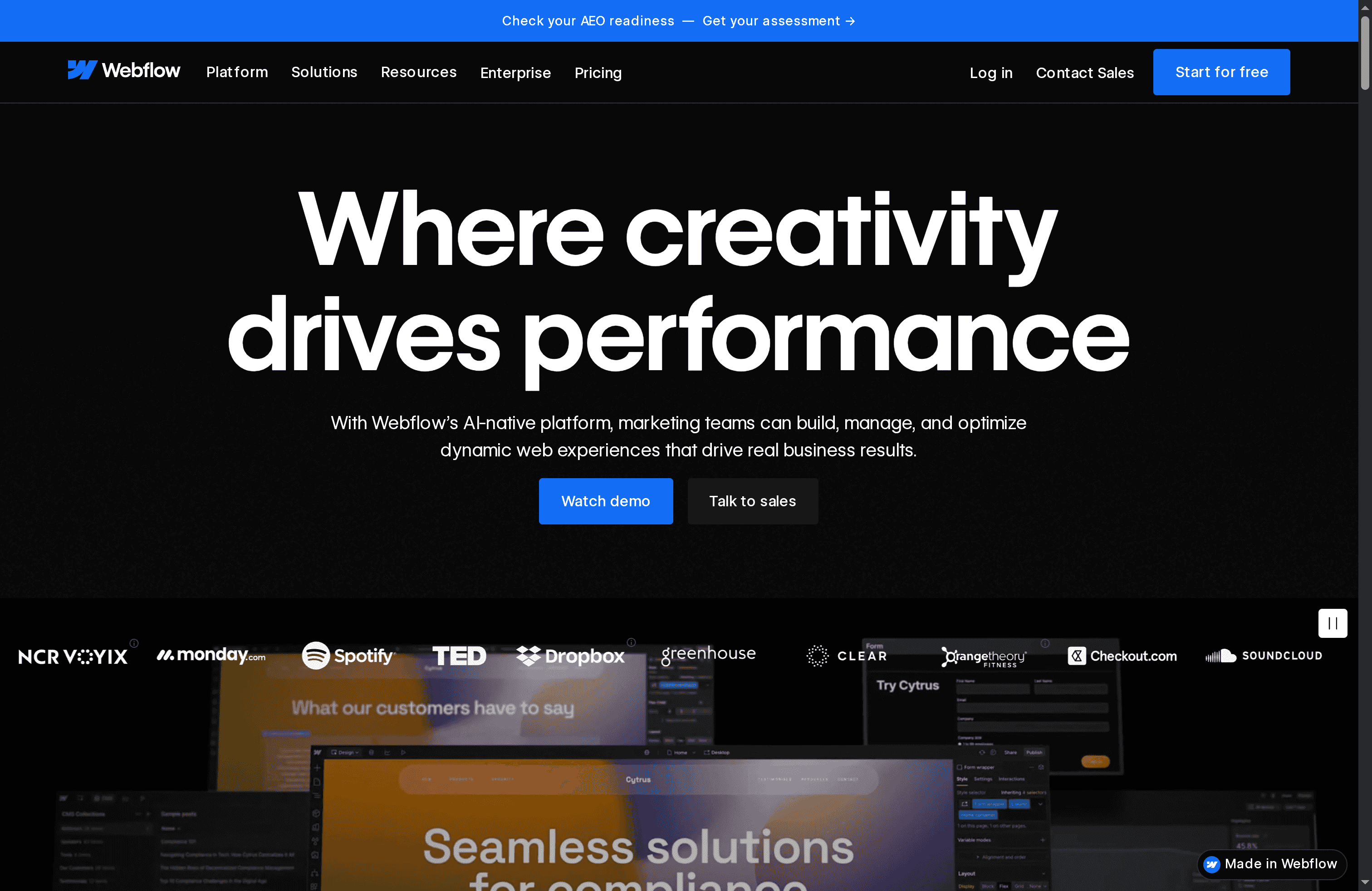
Webflow is a visual, AI-native website builder designed to help marketers, designers, and developers create custom, content-rich sites without surrendering control. It combines a no-code visual editor with code flexibility, a visual CMS, built-in SEO/AEO tools, and native analytics so teams can design, personalize, and optimize in one platform. Expect a steep payoff in design freedom and performance — but plan for a learning curve and mid-tier pricing for production use.
Core Features
Webflow’s core strengths lie in its visual builder that supports both no-code and code workflows, an integrated CMS for structured content, and AI-driven personalization and optimization tools. The platform includes built-in SEO and AEO capabilities, native analytics for tracking performance and testing improvements, localization tools for global audiences, and integrations plus custom code support for advanced workflows. Hosting is bundled with security measures, a global CDN, and uptime guarantees to support scaling sites.
Pros
- Design flexibility without code constraints: The visual builder lets teams translate pixel-perfect designs into production-ready sites while still allowing custom code when needed.
- Content-first CMS for managing scale: Webflow’s CMS supports large content volumes and structured templates that keep editorial workflows predictable and efficient.
- AI-native personalization and optimization: Built-in AI tools enable tailored experiences and on-site testing without stitching multiple tools together.
- Performance-focused hosting stack: With CDN-backed hosting, security features, and uptime guarantees, teams can rely on Webflow to deliver fast, stable sites.
- Collaboration and handoff features: Roles, permissions, and client handoff tools streamline teamwork between designers, marketers, and developers.
Cons
- Can be complex for beginners: New users often face a learning curve to fully leverage the visual builder and advanced capabilities.
- Pricing may deter smaller projects: While there’s a free tier for experimentation, production-ready plans and features can become costly for solo creators or very small sites.
- Advanced features gated by higher tiers: Some important capabilities require add-ons or upper-tier plans, which means full functionality can demand an upgrade.
Who It’s For
Webflow is aimed at marketing teams, designers, developers, and enterprises that need precise design control, structured content management, and the ability to personalize experiences at scale. If your priority is brand distinction, performance, and measurable optimization — and you have the resources to invest in training or onboarding — Webflow is a strong match.
Unique Value Proposition
Webflow’s unique selling point is the combination of visual design control with production-grade infrastructure and AI-powered personalization. It reduces friction between design and development while providing built-in analytics and localization tools so sites can be iterated and scaled from a single platform.
Real World Use Case
A marketing agency used Webflow to rapidly design, build, and launch a client site, layering AI personalization and localization to better match regional audiences and boost engagement and conversions across markets.
Pricing
Starting at free (paid plans from $14/month; enterprise solutions available with custom pricing).
Website: https://webflow.com
Website Builder Tools Comparison
This table provides a comparison of website builder tools, highlighting their key features, pros, cons, intended users, unique values, and pricing.
| Tool | Key Features | Pros | Cons | Pricing |
|---|---|---|---|---|
| Lind Creative | Custom solutions, strategic branding, high-converting web design, Growth Engine for marketing automation | Personalized communication, focus on collaboration, forward-looking approach, creative experience-focused | Limited public portfolio during site refresh | Quote-based, tailored proposals |
| Wix | 900+ templates, AI builder, drag-and-drop editor, built-in hosting and domain, SEO, and marketing tools | User-friendly, all-in-one platform, no coding required, reliable hosting | Limited customization for complex needs, additional features can be costly | Free tier; premium from $17.77/month |
| Squarespace | Designer templates, AI tools, built-in hosting and security, marketing and ecommerce functionalities | User-friendly drag-and-drop, all-in-one with hosting, excellent support | Higher pricing compared to some, limited flexibility for deeply customized websites | Starting at $16/month after free 14-day trial |
| Webflow | Visual no-code builder, visual CMS, AI-driven tools, SEO/AEO, global CDN, analytics | Design flexibility, content-first CMS, AI personalization, performance-focused hosting | Complex for beginners, higher pricing for full features | Free tier; paid plans from $14/month |
Find the Right Website Solution to Elevate Your Business in 2025
Choosing the best website builder is just the first step in growing your brand online. The article highlights the struggle businesses face to balance design, functionality, and measurable growth. Many readers want more than a simple website—they want a high-converting platform that integrates marketing automation and strategic branding to truly boost leads and sales.
At Lind Creative, we understand these challenges and transform them into opportunities. Our collaborative approach combines creative design with our signature Growth Engine, automating lead capture, email campaigns, and ad funnels so your site does more than just look good—it delivers consistent results. Learn how industry leaders tackle digital shifts by exploring the latest insights at Industry Trends – Lind Creative.
Ready to build a website that performs as hard as you do
Don’t settle for generic templates that stall your growth. Partner with a team that blends creativity and technology into a strategy-driven solution customized for your business goals. Visit Lind Creative to start your journey. Discover helpful strategies and proven marketing systems in our Digital Marketing – Lind Creative articles. Take control of your online presence today and turn your website into a powerful growth engine.
Frequently Asked Questions
What are the top factors to consider when choosing a website builder in 2025?
Choosing a website builder should involve evaluating ease of use, design flexibility, integrated marketing tools, and pricing. Focus on how well a builder aligns with your specific needs, like eCommerce features or content management capabilities. To get started, list your top three priorities and compare how each builder stacks up against them.
How can I determine if a website builder is suitable for my business type?
Assess the unique needs of your business, such as whether you require eCommerce features, a blog, or a portfolio. Review the platform’s capabilities in those areas, and consider starting a trial to test ease of use and performance. Make a checklist of must-have features for your business and use that to guide your decision.
What are the typical pricing structures for website builders in 2025?
Website builders generally offer varied pricing tiers based on features and functionality, often ranging from free tiers to premium plans. Record each cost associated with essential features, such as domain registration or eCommerce capabilities, to effectively budget. Compare at least two pricing plans side by side to see which offers the best value.
How long does it typically take to get a website live with a website builder?
Most website builders allow you to launch a site within a few days to a couple of weeks, depending on your level of preparation and design complexity. Start by gathering your content and visual assets, which can significantly reduce your setup time. Aim to have a first draft of your site ready for review within a week.
What steps should I follow for optimizing my website after building it?
After launching your website, focus on optimizing for SEO, speed, and user experience. Implement key SEO practices like keyword integration, alt tags for images, and page speed optimization through images and hosting. Monitor performance analytics regularly, and consider making updates at least once a month to improve and maintain optimization.
Are there limitations I should be aware of when using popular website builders?
Yes, popular website builders can have limitations regarding customization, scalability, or specific functionalities. Identify these potential constraints by reviewing user feedback and comparing feature lists before making a commitment. Document any critical functionalities you may need and check that they are supported by your chosen platform.
Recommended
- Website Design: Everything You Need to Know – Lind Creative
- Modern Website Design Explained: Key Elements & Trends – Lind Creative
- 7 Essential Business Website Must-Haves for Strong Growth – Lind Creative
- Blog – Lind Creative
- Top Website Testing Tools – Expert Comparison 2025
- The Essential Guide to Professional WordPress Website (2025) – WPCTO