
Choosing how to bring your brand or project to life is a big decision with many options available. Some solutions promise quick designs at the click of a button while others offer hands-on collaboration or access to an entire creative team. Every method has its own style and approach, whether you want lots of ideas, expert partnership, or a fast and easy start. Curious which path might fit your goals or style best? The choices ahead reveal just how different your experience and results can be depending on where you begin.
Table of Contents
Lind Creative
At a Glance
Lind Creative is a full-service digital agency helping businesses build, brand, and grow through strategy-driven design and marketing, currently refreshing its website with a new experience. The agency combines high-converting website design, powerful brand identity work, and a signature Growth Engine that automates lead capture, funnels, email, and ads to drive measurable results. While the public site is under construction, Lind Creative invites direct collaboration through brainstorming calls and contact-based onboarding during the transition. Bottom line: if you want a partner that prioritizes strategy and measurable growth over templated design, Lind Creative is worth initiating a conversation with now.
Core Features
Lind Creative offers end-to-end brand and digital services centered on strategy-driven design and marketing: creation of high-converting websites, development of powerful brand identities, and deployment of the signature Growth Engine—an all-in-one marketing system that automates lead capture, funnels, email, and ads to drive measurable results. The agency emphasizes a collaborative, transparent process so every project not only looks great but performs, helping clients attract, convert, and grow. Currently, Lind Creative is rolling out a refreshed website experience and encourages clients to contact them to schedule brainstorming sessions and conversations during this update.
Pros
- Engages visitors to get involved during transition: Lind Creative actively invites contact and collaboration while the site is refreshed, turning a construction phase into an opportunity for client input.
- Personalized communication options: The agency prioritizes direct outreach and brainstorming calls, which enables tailored solutions instead of one-size-fits-all packages.
- Focus on upcoming launch and innovation workshops: Lind Creative signals a commitment to iterative creativity and hands-on ideation through future-focused workshops and launch planning.
- Accessibility for initial inquiries or partnerships during site updates: Even while the public site is being updated, prospective clients can begin the relationship through accessible contact channels.
- Strategy-driven design and marketing: Lind Creative blends creative direction with measurable marketing tactics to deliver work intended for performance and ROI.
- Signature Growth Engine automations: The firm’s integrated system for lead capture, funnels, email, and ads positions clients to scale with automation rather than manual tactics.
- Collaborative, transparent process: The agency structures projects to keep stakeholders informed and aligned, so creative decisions are backed by strategic rationale.
Who It’s For
Lind Creative is ideal for startups and entrepreneurs launching new brands, established local businesses ready to scale, luxury hospitality and lifestyle brands seeking premium creative execution, ecommerce stores looking for conversion-focused sites, and service providers who want marketing automation tied directly to design. It’s particularly well-suited to organizations that value strategic partnership and prefer to co-create during a site refresh rather than simply purchase a template.
Unique Value Proposition
Lind Creative’s unique value lies in the integrated trio of strategy, creativity, and automation: not only do they design high-converting websites and powerful brand identities, but they combine those assets with a proprietary Growth Engine that automates lead capture and campaign workflows. That end-to-end approach reduces fragmentation between creative and performance teams, shortens time-to-value, and makes growth measurable—turning design decisions into measurable business outcomes. During their current site overhaul, Lind Creative doubles down on collaboration, inviting clients into the process so solutions are custom from day one. In short: it’s not just design; it’s design engineered to perform.
Real World Use Case
A potential client reaches out via the contact form during the website’s transition to schedule a brainstorming session; Lind Creative maps brand positioning, designs a conversion-first website, and configures the Growth Engine to automate lead capture and nurturing—so marketing begins performing the moment the site launches.
Pricing
Not specified
Website: https://lindcreative.com
Fiverr
At a Glance
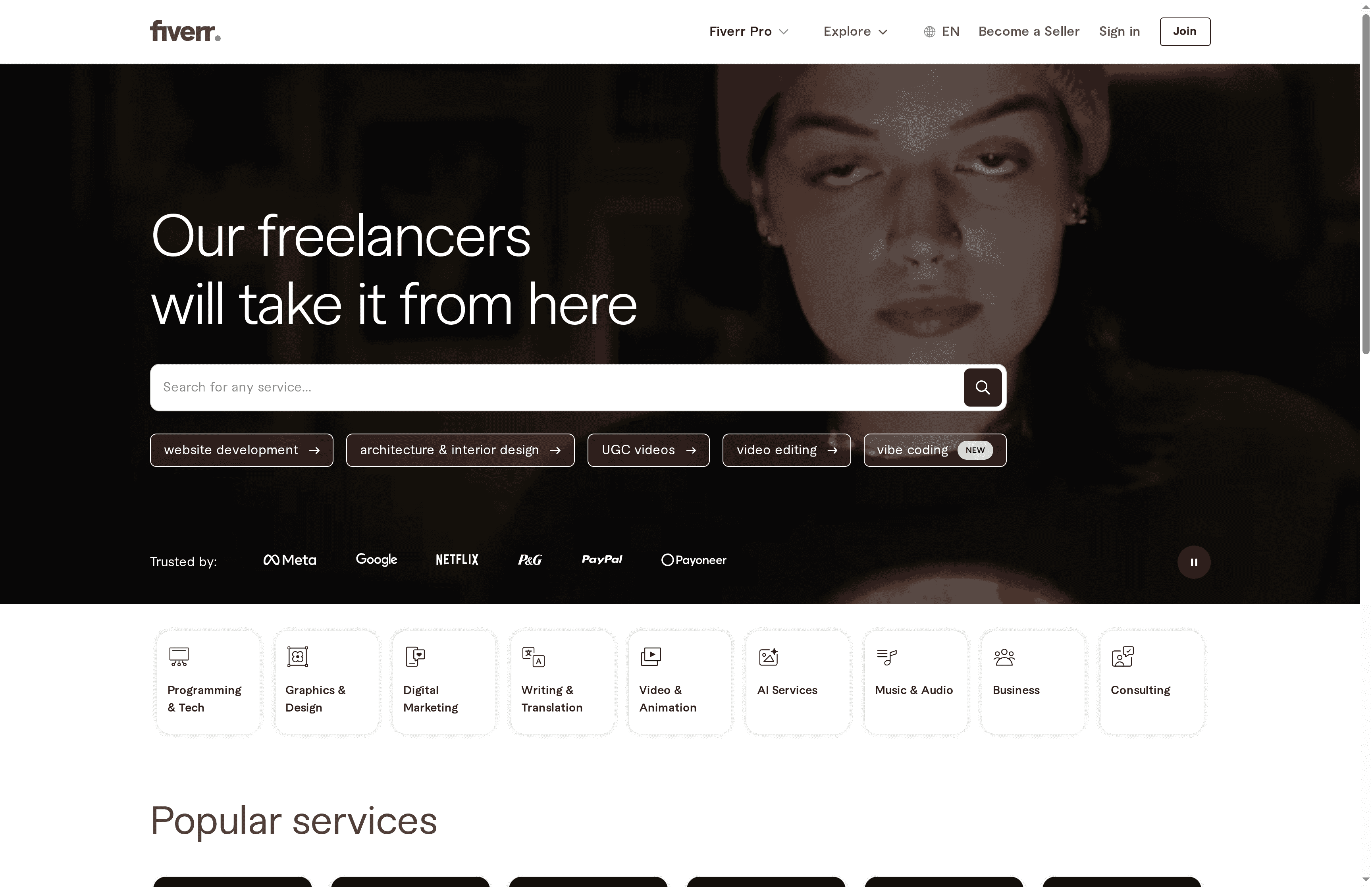
Fiverr is a global freelance marketplace that connects clients with independent talent for project-based work across design, development, writing, marketing, and more. It’s flexible: you can buy predefined gigs, post custom projects, or tap Fiverr Pro for vetted professionals. The platform works well for businesses that need fast, varied skill sets at a range of price points, but expect uneven quality across categories and a user interface that can feel overwhelming at first. Overall, it’s a practical, scalable option when you need on-demand talent quickly.
Core Features
Fiverr’s core capabilities center on a searchable marketplace that spans diverse service categories and a worldwide talent pool. Profiles display service descriptions and reviews so you can vet freelancers, while built-in support for multiple languages and currencies eases international work. Fiverr Pro provides an option for hiring verified, top-tier professionals, and the platform supports both predefined gig purchases and custom project postings to match different buying styles.
Pros
- Wide range of services and skills: The marketplace covers many categories, so you can consolidate different needs—like branding, web development, and content—within a single platform.
- Global freelancer network: Access to talent across regions means you can find specialists or niche language skills without geographic limits.
- Multiple pricing options including fixed-price gigs: Freelancers set their own prices and offer both fixed-price gigs and custom offers, giving you predictable options for project budgeting.
- Rating and review system for trustworthiness: Public reviews and detailed profiles make it easier to assess past performance before hiring.
- Additional resources such as guides, community, and blog: Built-in learning and community content help buyers and sellers navigate the marketplace more effectively.
Cons
- Service quality can vary widely: Because anyone can offer services, experience and deliverable quality differ significantly between sellers.
- Service fees may apply to transactions: Platform fees are added to purchases, which increases your total spend compared to the gig price alone.
- Some categories may have high competition: Popular categories are crowded, making it harder to find standout freelancers without careful filtering.
- Navigation and interface can be overwhelming for new users: The volume of listings and filters can feel complex when you’re searching for the right service.
Who It’s For
Fiverr is ideal for individuals and businesses—from startups and small teams to larger organizations—seeking flexible, project-based freelance services. If you need a range of skills quickly, prefer fixed-price engagements, or want an entry point to both budget and premium talent (via Fiverr Pro), this platform fits well.
Unique Value Proposition
Fiverr’s unique value is its breadth and flexibility: a single marketplace that combines budget-friendly gigs, custom project options, and a vetted Pro tier, enabling teams to source everything from quick tasks to higher-stakes professional work.
Real World Use Case
A small business can hire a freelance graphic designer on Fiverr to develop a logo, then engage a separate Fiverr developer to build a basic website—managing both hires in one place and leveraging different price points and specialties as the project evolves.
Pricing
Varies by service, with freelancers setting their own prices and Fiverr charging service fees.
Website: https://fiverr.com
99designs
At a Glance
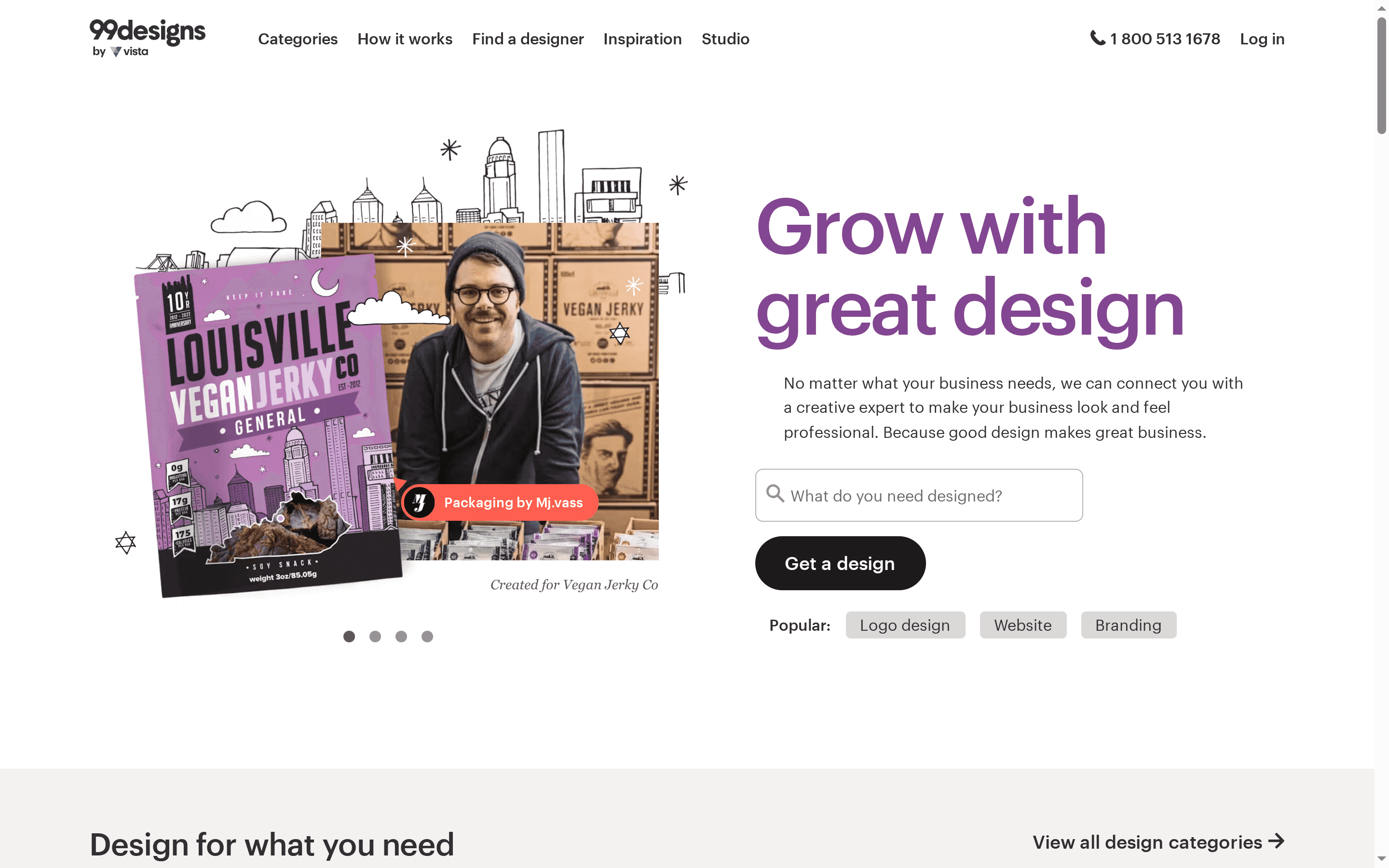
99designs connects businesses with a global community of freelance designers through contests and direct hires, making it a fast way to surface many creative options for logos, branding, websites, and packaging. It combines a free logo maker and fixed-price contest packages to suit different budgets and project scopes. Bottom line: great for businesses that want variety and speed in creative concepts, but expect variability in quality unless you choose higher-tier packages or hand-select vetted designers.
Core Features
99designs centers on two workflows: contest-based submissions and direct-hire engagements. The platform offers a free logo maker for quick DIY needs, fixed-price contest packages that scale with budget and desired designer involvement, and a marketplace spanning logos, websites, packaging, and broader branding services. Designers are vetted to raise baseline quality, and contests bring collaborative feedback from multiple creatives so you can iterate quickly on visual identity.
Pros
- Access to a global community of talent: You can receive concepts from designers worldwide, increasing the variety of styles and ideas available for your brand.
- Flexible pricing and engagement models: Contests, fixed-price packages, and direct hires let you match spend to scope, from simple logo needs to full branding packages.
- Collaborative, idea-rich process: Contest formats encourage many creative submissions, which helps teams explore directional options before committing to a final concept.
- Vetted designers to improve consistency: The platform’s vetting process raises the likelihood of professional-quality submissions and helps filter inexperienced entrants.
- Multiple concepts for stronger decision-making: Receiving dozens of concepts lets you compare visual directions and select the strongest option for your brand.
Cons
- Costs can escalate with add-ons or higher tiers: While packages start at a baseline price, optional add-ons and premium tiers can push the final cost well above the initial starting point.
- Design quality can vary by package or designer: Despite vetting, outcomes depend on the chosen package level and the individual designer, so lower-tier contests may produce uneven results.
- Less ideal for dedicated one-to-one relationships: If you want a single long-term designer who becomes deeply embedded in your brand, the contest model can feel transactional rather than collaborative.
Who It’s For
99designs fits business owners, entrepreneurs, and small teams looking for affordable, professional design options and a breadth of creative ideas quickly. It’s especially useful when you need to explore multiple visual directions fast—whether launching a new identity or refreshing an existing brand.
Unique Value Proposition
99designs’ unique strength is its contest-driven marketplace that aggregates diverse creative voices into one project, giving businesses rapid access to multiple concepts and the ability to scale engagement from a DIY logo maker to full-service branding packages.
Real World Use Case
A small business owner can host a logo contest, receive dozens of creative concepts from designers worldwide, and choose the best design for their brand—accelerating decision-making and exposing the brand to unexpected directions.
Pricing
Starting at $299 for a logo design contest, with various fixed-price packages available.
Website: https://99designs.com
Wix
At a Glance
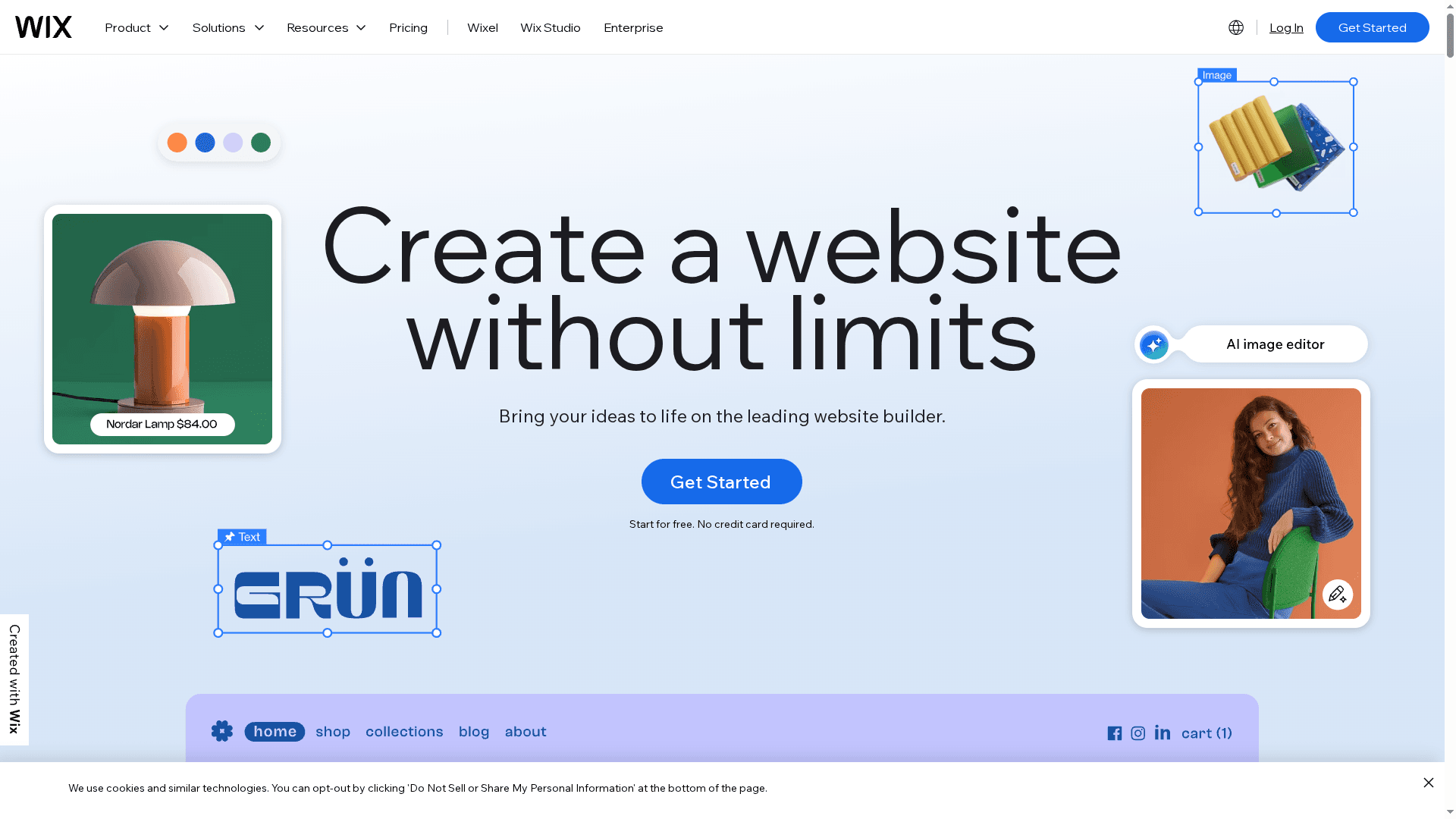
Wix is a user-friendly website builder that combines an AI website builder, a drag-and-drop editor, and more than 900 customizable templates to get sites live fast. It’s designed to cover a broad range of needs — from portfolios and blogs to ecommerce and booking sites — while bundling hosting, domain services, and marketing tools. If you need speed and convenience with reliable hosting, Wix delivers; if you need deep, code-level customization, expect some limitations.
Core Features
Wix’s core capabilities center on rapid site creation and all-in-one management: an AI website builder to jumpstart layouts, a drag-and-drop editor for visual adjustments, and 900+ professionally designed templates to accelerate design choices. The platform includes built-in SEO tools, marketing features, ecommerce solutions (online store, order management, payments), custom domain registration and connection, analytics and data insights, social media integration, and secure web hosting with industry-standard security measures.
Pros
- Easy to use with drag-and-drop editor: Non-technical users can build and update pages quickly without code, reducing time-to-launch.
- Wide selection of professionally designed templates: With 900+ templates, designers and business owners have a strong starting point for many verticals.
- Comprehensive features for business and online selling: Wix bundles ecommerce, order management, and payment processing so you can run a store from the same dashboard.
- Built-in marketing, SEO, and analytics tools: You can optimize discoverability and track performance without stitching together separate services.
- Reliable hosting with high uptime and security: Hosting and security are included, which simplifies operations and reduces vendor management.
Cons
- Some advanced features may require higher-tier plans: To unlock premium ecommerce or marketing functionality you’ll likely need to upgrade, which raises ongoing costs.
- Cost can increase with add-ons and premium plans: The base experience is accessible, but total spend rises as you add advanced features or remove Wix branding.
- Limited flexibility for highly customized or unique website designs: For brands that require bespoke, code-level layouts or unusual interactions, Wix’s visual editor can feel restrictive.
Who It’s For
Wix is ideal for individuals, freelancers, and small to medium businesses that need an easy, fast path to launch and manage a professional website without hiring developers. It’s especially useful for ecommerce startups, service providers, and event-based sites that value an all-in-one solution and predictable hosting.
Unique Value Proposition
Wix’s strength is delivering a complete, low-friction website ecosystem: AI-assisted setup, a vast template library, integrated marketing and ecommerce tools, plus hosting and domain services in one place. That combination reduces coordination overhead and helps teams move from idea to revenue faster.
Real World Use Case
A small business owner used Wix to set up an online store within hours by selecting a template, enabling ecommerce tools, and connecting payment processing — then managed orders and analytics from the same dashboard to iterate on product offerings quickly.
Pricing
Plans start from $17/month for basic features and go up to $159/month for the Business Elite plan, with a free plan available that includes Wix branding and a Wix domain.
Website: https://wix.com
Canva
At a Glance
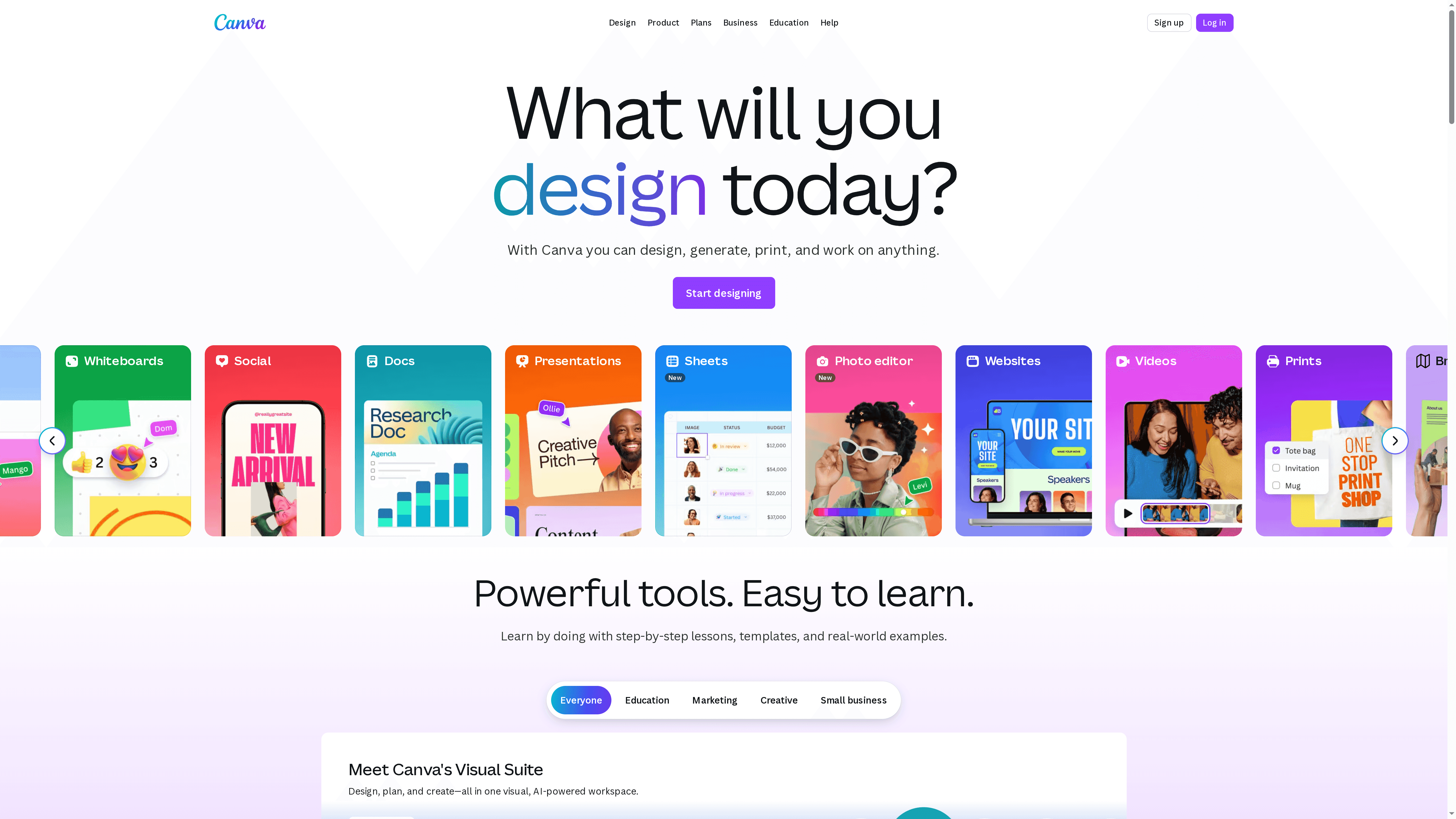
Canva is a visual suite that simplifies creating, editing, and delivering a wide range of visual content — from social posts and presentations to logos and printed brochures. It bundles templates, collaborative editing, branded asset management, and in-platform print services into a single workflow. For teams and individuals who need speed and consistency, it delivers a clear productivity boost, though some advanced capabilities are gated behind paid plans.
Core Features
Canva provides design templates for many content types, collaboration features for team editing and commenting, integrated print and delivery services, and AI-assisted tools for generating design, text, image, and video elements. It also supports brand kits and centralized templates to maintain consistency across projects, includes content libraries licensed from recognized partners, and offers learning resources through its design school. Multiple plan tiers (Free, Pro, Teams, Enterprise) let organizations scale access and controls.
Pros
- Wide range of templates and design types makes it quick to produce professional-looking assets without starting from scratch.
- Collaborative features allow multiple contributors to edit, comment, and maintain version continuity during design reviews.
- Integrated print and delivery services remove friction between design and production by letting teams order printed materials directly from the platform.
- Powerful AI tools accelerate content creation and iteration by suggesting layouts, generating text, and enhancing images and videos.
- Content libraries from major brands expand creative options and provide licensed assets that can elevate visual campaigns.
Cons
- Advanced features and collaboration tools are limited in the free plan, which can restrict small teams relying solely on the no-cost tier.
- Some functionality and higher-usage AI features require paid plans (Pro, Teams, Enterprise), meaning predictable costs as you scale.
- AI features have usage limits depending on the plan, which can slow high-volume production workflows when teams hit those caps.
Who It’s For
Canva is ideal for individuals, small to medium-sized teams, educational institutions, and organizations that need an easy-to-use platform for rapid visual content creation and basic brand management. If you prioritize fast output, templated consistency, and collaborative review over specialized design tooling, Canva fits well.
Unique Value Proposition
Canva’s strength lies in combining accessible, template-driven design with team collaboration and production-ready services in one place. Rather than hopping between design, approval, and print vendors, you can prototype, finalize, and order prints within a single platform — a real time-saver for resource-constrained teams.
Real World Use Case
A small business uses Canva to collaboratively design marketing brochures, social media posts, and company branding assets, then places print orders directly through the platform so campaigns move from concept to shelf in days instead of weeks.
Pricing
Starting at Free; Pro approximately $120/year per user; Teams from around $100/year per person with enterprise options available.
Website: https://canva.com
DesignCrowd
At a Glance
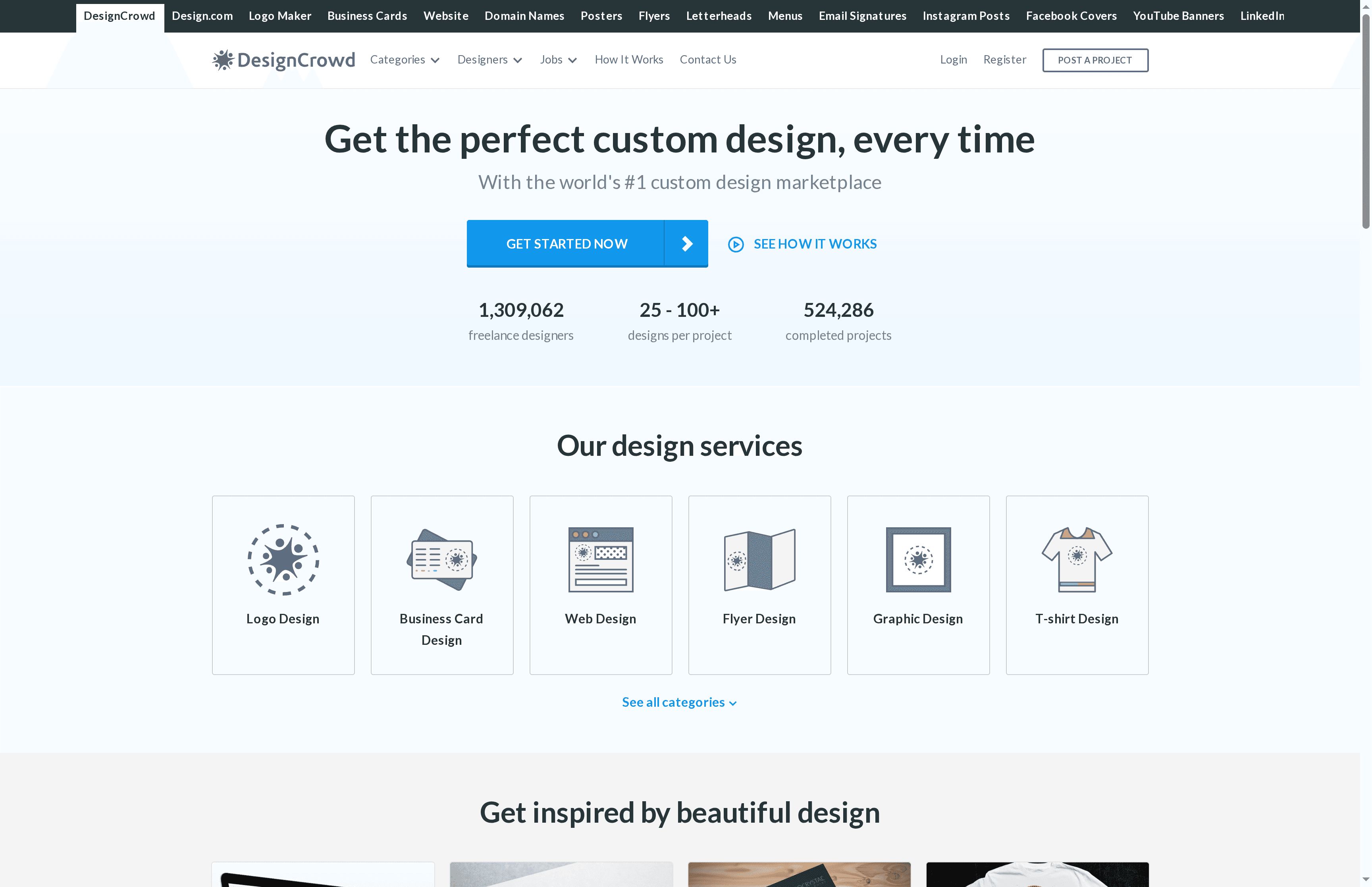
DesignCrowd is a global custom design marketplace that connects businesses with a massive community of freelance designers for logos, web layouts, and a broad set of graphic projects. It’s designed to deliver many creative options quickly and affordably, often providing 25–100+ design concepts per project and getting submissions started within hours. The platform’s money-back guarantee reduces risk, but open marketplace dynamics mean quality can vary from designer to designer.
Core Features
DesignCrowd’s primary capabilities center on scale and variety: access to over 1,309,062 freelance designers worldwide, a wide range of design services (logo, web, business card, flyer, T-shirt, and more), fast project kickoff with designs arriving within hours, and a high-volume output model that typically generates 25–100+ concepts per brief. The site also offers a money-back guarantee to protect buyers who aren’t satisfied with submissions. Those features make it straightforward to crowdsource many creative options quickly while supporting freelance careers through the marketplace.
Pros
- Extensive designer pool: With over 1.3 million freelancers, you’ll see a huge variety of styles and perspectives to match diverse brand needs.
- Cost-effective flexibility: Pricing is positioned to serve tight budgets, allowing businesses to run contests or brief single designers without enterprise-type fees.
- Rapid turnaround: Projects can begin producing entries within hours, which is ideal when timelines are compressed and you need fast iteration.
- Wide service coverage: The platform supports everything from logos to web designs and apparel, letting you consolidate different creative needs in one place.
- Satisfaction protection: The money-back guarantee provides a safety net if the delivered designs don’t meet expectations.
Cons
- Variable quality due to open marketplace: Because work comes from a wide freelance pool, consistency and polish can vary significantly between designers.
- Occasional site access issues reported: Website content indicates a server error that might hinder access at times, which can disrupt project flow or submission review.
- Limited detail on onboarding and technical features: Public content has less technical detail about specific platform tools, onboarding steps, or quality-control workflows, so expectations may need to be managed.
Who It’s For
DesignCrowd is best suited for startups, small businesses, and marketing teams that need a variety of creative directions fast and on a budget. If you value choice and rapid iteration over guaranteed boutique agency consistency, or if you want to test dozens of concepts before narrowing a direction, this marketplace is a practical option.
Unique Value Proposition
DesignCrowd’s strength is quantity-driven creativity: it leverages an enormous, global freelance community to deliver many distinct design options quickly and affordably—paired with a money-back guarantee that reduces purchasing risk.
Real World Use Case
A startup used DesignCrowd to run a logo and branding contest, receiving designs from across the globe, comparing dozens of directions, and selecting a final identity that matched their vision while staying inside budget and timeline constraints.
Pricing
Starting at a low price; exact costs depend on project scope and selected service.
Website: https://designcrowd.com
Envato Studio
At a Glance
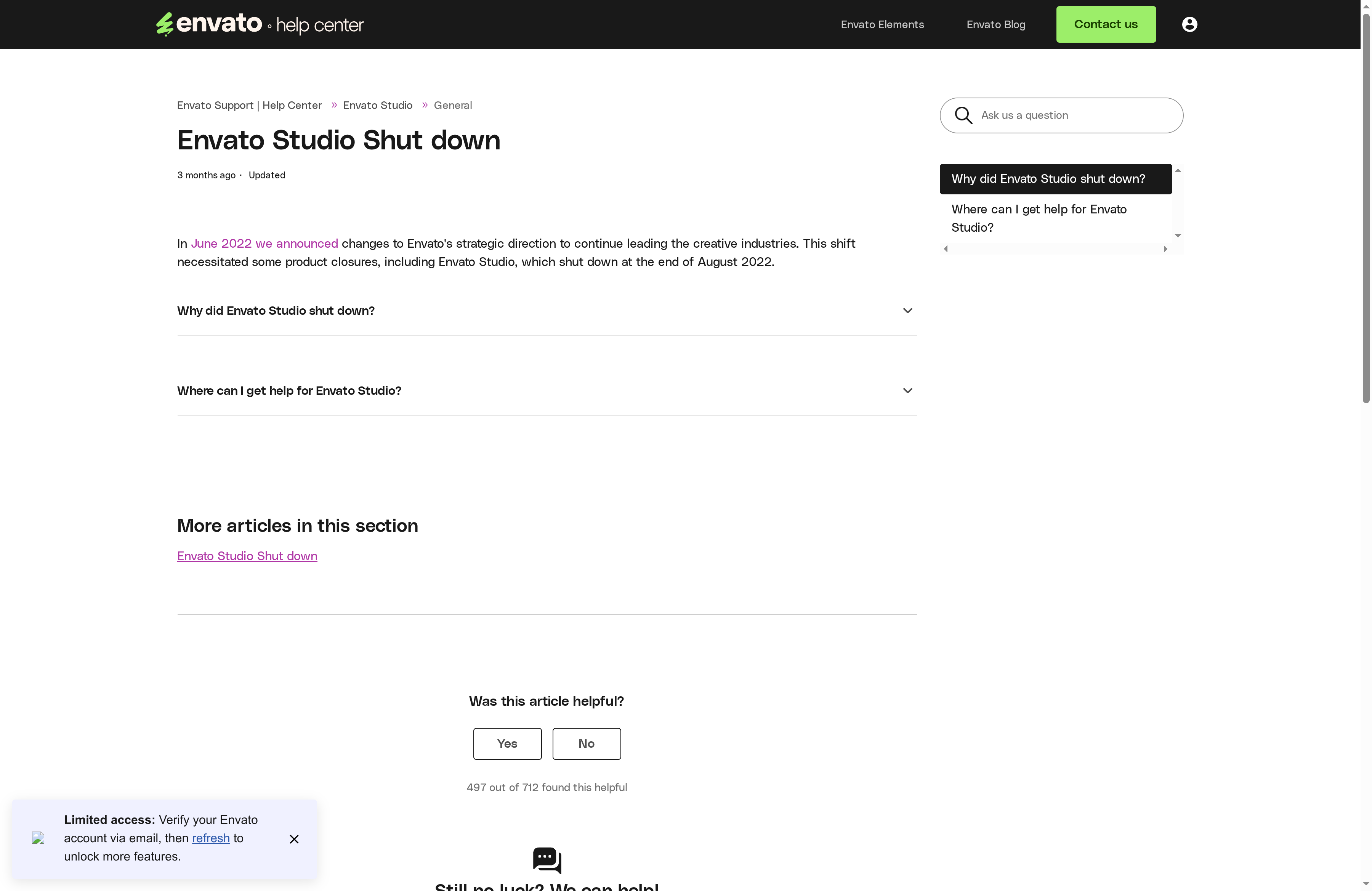
Envato Studio was a focused freelance marketplace that connected businesses with digital creatives from 2014 until its closure in August 2022. It completed over 230,000 jobs and facilitated more than $12 million USD in freelancer earnings—numbers that speak to real traction and community trust. If you’re evaluating legacy platforms or researching where creative talent has historically gathered, Envato Studio’s record offers useful lessons about scale, specialization, and the limits of niche marketplaces.
Core Features
Envato Studio functioned as a curated freelance marketplace for digital services, emphasizing a global community of digital experts and creative project support. Its core capabilities centered on matching buyers with specialized freelancers across design, development, and other creative categories, enabling project-based collaborations at scale and tracking a high volume of completed jobs and payments.
Pros
- Proven marketplace traction: Completing over 230,000 jobs demonstrates the platform’s ability to attract both buyers and sellers at scale.
- Real earnings for freelancers: Facilitating more than $12 million USD in payouts shows the marketplace generated meaningful economic activity for contributors.
- Global creative community: Envato Studio brought together international digital experts, making it easier to find niche skills across time zones and cultures.
- Project-focused approach: The platform’s structure supported discrete creative projects, which helped many small businesses and entrepreneurs access one-off or campaign-based services.
- Support for diverse creative needs: From branding tasks to development work, the marketplace targeted a range of typical needs for new and growing brands.
Cons
- No longer operational: Envato Studio shut down in August 2022, so you cannot use the platform today for hiring or project management.
- Service category limits: The marketplace focused on freelance digital services, which restricted options for broader agency-style engagements or ongoing retainers.
- Transition required for ongoing projects: Businesses that relied on Envato Studio needed to migrate to alternative platforms or direct vendor relationships after the shutdown.
Who It’s For
Envato Studio was best suited to creative professionals and clients seeking freelance digital services—especially small businesses, startups, and marketing teams looking to hire for specific campaigns or one-off tasks. If you needed quick access to a global pool of specialists for design, development, or other creative work, Envato Studio would have been a natural place to look.
Unique Value Proposition
Envato Studio’s unique value rested on a high-volume, curated freelance ecosystem that translated into measurable outcomes: thousands of completed projects and millions in freelancer earnings. That combination made it valuable for businesses that prioritized speed, variety, and access to specialized creative talent.
Real World Use Case
A small business owner needing a graphic designer for a branding campaign would have used Envato Studio to find a vetted freelancer, commission deliverables, and complete the project without long-term hiring commitments. Since the platform closed, similar use cases now require alternative freelance marketplaces or direct partnerships.
Pricing
N/A (Platform is no longer operational, pricing details are discontinued)
Website: https://studio.envato.com
Superside
At a Glance
Superside is a creative services platform that supplies dedicated, on-call creative teams to help brands scale production quickly and consistently. It combines global creative talent with AI-enhanced workflows to deliver design, video, and marketing assets with turnaround times as fast as 12 hours. The bottom line: if you need predictable, high-volume creative output and a single place to manage projects and assets, Superside is built for that purpose.
Core Features
Superside offers a broad set of creative capabilities—ad creative, social media assets, presentations, illustration, branding, print, packaging, merchandise design, and specialized production such as video, motion, and immersive 3D/AR. The service layers AI-powered processes and creative consulting on top of human expertise, and includes a project platform (Superspace) for project management, asset organization, and integrations with tools like Asana, Jira, and Slack. Dedicated project managers coordinate work, which helps maintain brand consistency at scale.
Pros
- Fast turnaround times enable projects to be completed in as little as 12 hours, which lets marketing teams hit aggressive campaign deadlines.
- Access to global top-tier creative talent means teams can tap specialist skills that aren’t limited by local hiring.
- Flexible subscription plans can be tailored to business needs, making it easier to scale creative capacity up or down.
- AI workflows enhance speed, quality, and cost efficiency by streamlining repetitive tasks and accelerating ideation.
- The all-in-one platform centralizes project management, asset storage, and collaboration to reduce friction across teams.
Cons
- Pricing varies depending on project complexity and scope, which means you may need a direct consultation to get an accurate cost estimate.
- As a subscription-based service, long-term commitment may be required to achieve the best value from the relationship.
- The offering may not be cost-effective for very simple or small-scale repetitive tasks that could be handled by independent freelancers.
Who It’s For
Superside is best suited to mid-sized and large brands, marketing teams, and enterprises that need scalable, fast, and consistent creative output. If your business runs frequent campaigns, requires many asset variations, or needs integrated production across design and video, Superside reduces the need to hire and manage large in-house teams.
Unique Value Proposition
Superside’s unique value lies in combining a subscription-based creative engine—human designers plus AI—with a dedicated project management layer and global talent pool. That mix delivers predictable throughput, brand-consistent output at scale, and faster time-to-market than traditional outsourcing models.
Real World Use Case
Brands such as Oyster, Thomson Reuters, and Cisco use Superside to streamline creative processes, maintain brand consistency across high-volume campaigns, and accelerate time-to-market for new launches and promotional content. Teams rely on Superside when internal bandwidth is limited but the demand for polished, diverse assets remains high.
Pricing
Starting at $1,000/month; plans include access to services, a dedicated project manager, and AI-enhanced workflows, with detailed project costs transparently based on scope and complexity.
Website: https://superside.com
Creative and Design Services Comparison
Here is a comprehensive comparison of various creative and design service platforms, summarizing their key features, pros, cons, pricing, and who they’re suited for.
| Service | Key Features | Pros | Cons | Pricing |
|---|---|---|---|---|
| Lind Creative | Strategy-driven design, Growth Engine, high-converting websites | Personalized communication, collaboration during site update | Ongoing site refresh, no specified pricing | Not specified |
| Fiverr | Global freelance marketplace, Fiverr Pro, varied price points | Wide range of services, global network, public rating system | Quality variation, service fees | Varies by service |
| 99designs | Contests and direct hire, vetted designers, fixed-price packages | Global talent, flexible models, collaborative processes | Variable quality, escalating costs | Starting at $299 |
| Wix | AI website builder, drag-and-drop editor, 900+ templates | Easy to use, comprehensive ecommerce features, reliable hosting | Higher-tier plan costs, limited customization | Starting from $17/month |
| Canva | Design templates, collaboration tools, AI-assisted creation | Wide template range, integrated print services, content libraries | Limited free plan features, usage limits | Starting at Free; Pro $120/year |
| DesignCrowd | Global designer pool, fast project kick-off, money-back guarantee | Extensive designer pool, cost-effective, quick turnaround | Quality variation, occasional access issues | Starting at a low price |
| Superside | AI-enhanced workflows, global talent, quick turnaround | Fast project completion, flexible plans, AI efficiency | Cost varies, long-term commitment | Starting at $1,000/month |
Elevate Your New Brand with Strategy-Driven Design and Marketing
Launching a new brand means facing the challenge of standing out in a crowded market while creating trust and emotional connection from day one. This article highlights the importance of choosing the right design tools that not only create beautiful visuals but also drive measurable growth and consistent brand identity. If you are seeking to build a brand that converts visitors into loyal customers, you need more than just creativity—you need a strategic approach that merges design with performance.
Discover how Lind Creative can empower your brand journey with our expertise in Graphic Design – Lind Creative and Branding & Identity – Lind Creative services. Our signature Growth Engine automates lead capture and marketing funnels so your website does the hard work of turning attention into action.
Don’t let your new brand blend into the background. Take the first step toward a strategy-driven design that grows with your business. Visit Lind Creative today to schedule a brainstorming session and turn your vision into a high-performing reality.
Frequently Asked Questions
How do I choose the right design tool for my new brand?
Choosing the right design tool depends on your brand’s specific needs, such as the types of projects you plan to create and your team’s skill levels. Evaluate each tool’s features, user interface, and pricing plans to find one that aligns with your goals. Start by listing your core requirements and compare tools based on those criteria.
What features should I look for in a design tool for brand identity?
When selecting a design tool for brand identity, look for features like logo creation, typography options, color palettes, and template availability. Ensure the tool allows for easy collaboration and feedback, enabling your team to streamline the creative process. Prioritize tools that provide variety in design components and user-friendly interfaces to enhance your branding efforts.
How can design tools improve my brand’s visual consistency?
Design tools improve visual consistency by offering templates, color schemes, and typography presets that keep your branding cohesive across all materials. Use these resources to establish a style guide that everyone on your team can reference for consistent application. Aim to create and share a brand kit within the first few weeks of using your chosen tool.
What type of design tool is best for creating marketing materials?
A good design tool for creating marketing materials should enable easy customization of templates, support various file types, and offer high-quality design elements. Look for tools that streamline the process of creating social media graphics, brochures, and ads. Start by exploring a few options and creating sample campaigns to assess which tool best fits your marketing strategy.
How can I measure the effectiveness of the design tool I choose?
You can measure the effectiveness of your design tool by tracking metrics like user adoption rate, project turnaround time, and the impact on your brand’s engagement levels. Define key performance indicators (KPIs) upfront and assess your progress within the first 60 days after implementation. This will help you determine whether the tool is meeting your brand’s needs and facilitating growth.
Recommended
- Visual Branding Workflow for Powerful Brand Impact – Lind Creative
- Branding Process for Lifestyle Brands: Step-by-Step Success – Lind Creative
- Branding Process for Lifestyle Brands: Step-by-Step Success – Lind Creative